Player Card Replacement
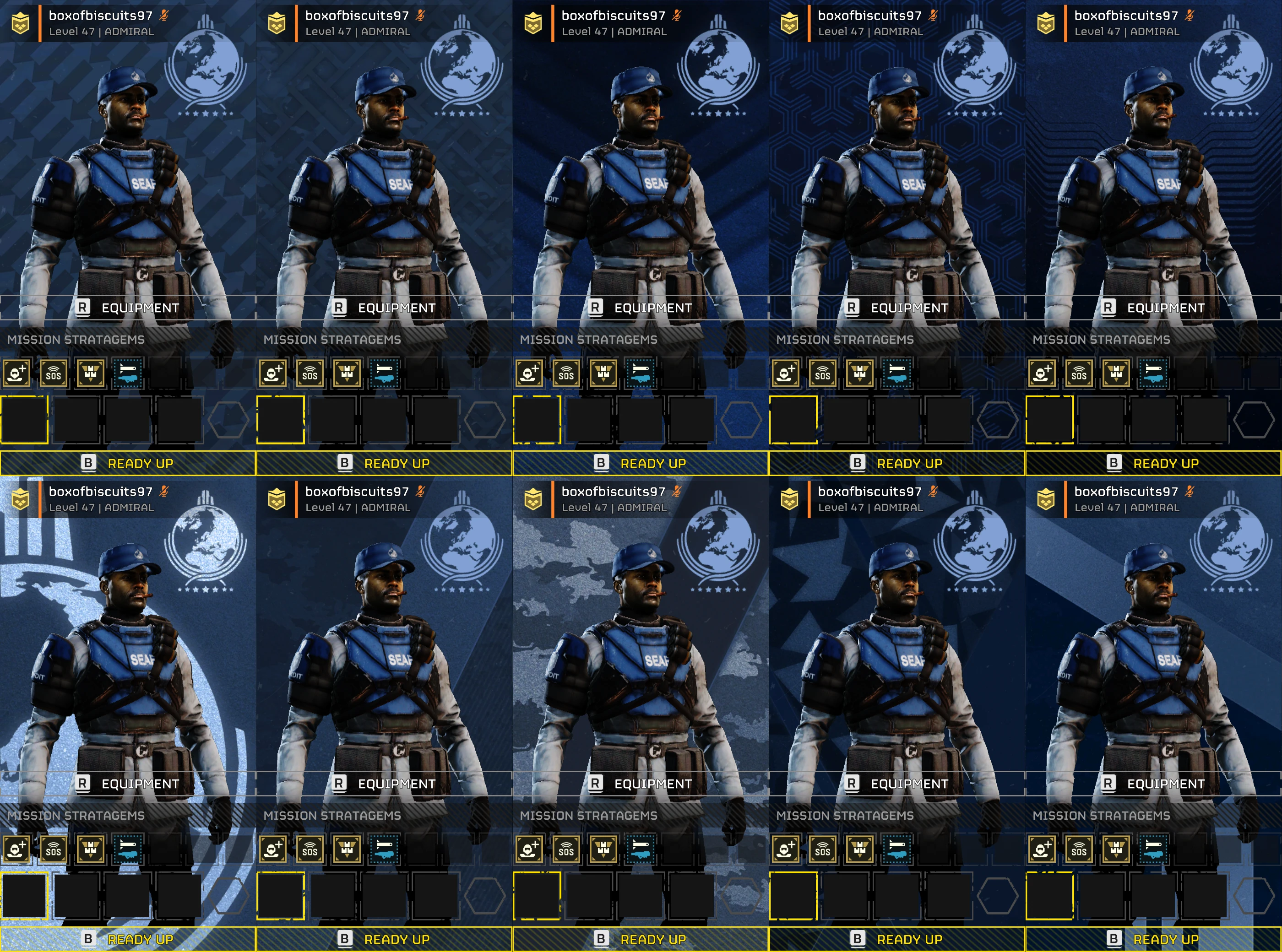
When getting ready for a mission, your player card is the background art your Helldiver stands in front of.
These are just stored as texture files that can easily be replaced.
Changing The Texture
Load the Archive Containing the Player Card textures 4b7bd0cbf5b59fcf.
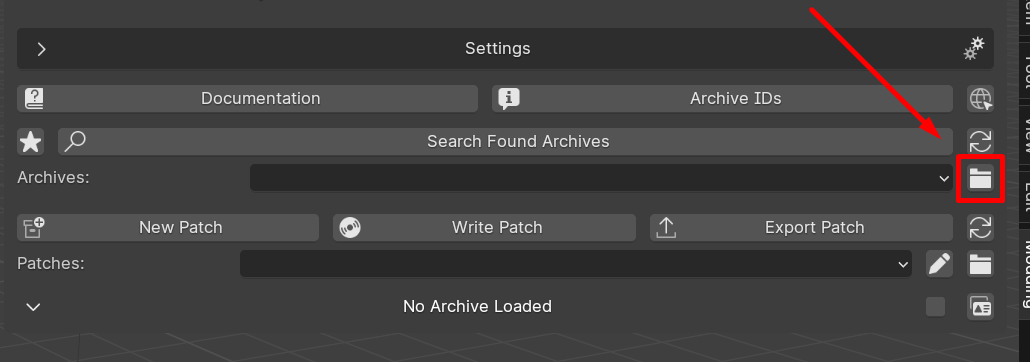
Each Entry ID for every Player Card can be found on the Archive Spreadsheet Here.
Once you have found the Entry ID for the Player Card you wish to replace, Right Click and export it as a PNG.
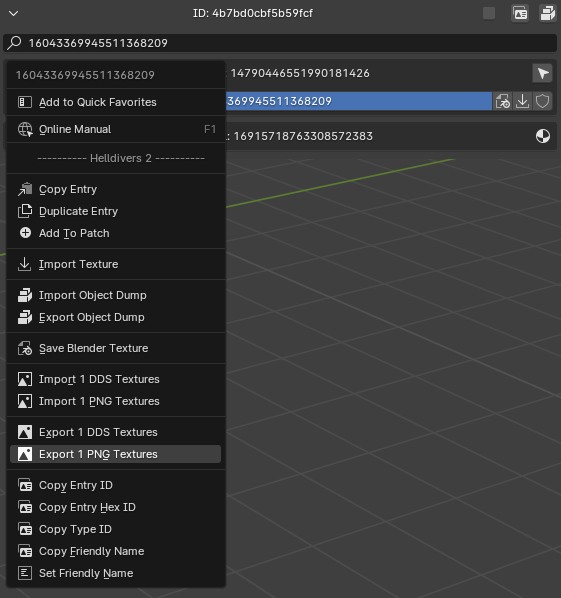
You can now edit this image to your hearts content!
WARNING
Make sure you keep the same exact texture size as the original image. Other images sizes and aspect ratios may cause unwanted issues.
Once you have finished editing your texture you can now import the modified PNG texture. Create a new patch before importing the PNG if you haven't done so yet.
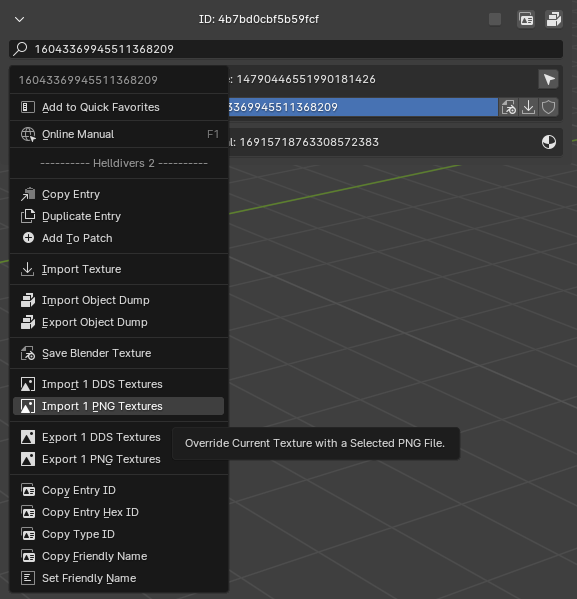
Write the patch and start the game.
You should now have a custom player card!
You can create as many or as few custom ones as you wish.
Changing The Name
If you wish to change the name of the rank as it appears in the menu when you are selecting it you can!
See the Text Modding Guide on how to do that.